
How to Block YouTube Right Now (And Actually Keep It Blocked)
YouTube is one of the most addictive platforms ever built. Here's how to block it on your iPhone - and why most people fail at the last step.
The most effective way to block YouTube on iPhone is to combine iOS Screen Time restrictions (with someone else holding the passcode) with a redirect-based blocker like PageLock that replaces the impulse to watch with a reading session. Simple app blocks fail because they are too easy to override. The key is making the unblock path require real effort, so the friction outlasts the impulse.
YouTube has one of the most sophisticated recommendation engines in the world. It knows your tastes better than you do. It can serve you an endless stream of videos you'll enjoy and still have you wanting more at 2am on a Tuesday.
This is not an accident. YouTube's business model depends on your time. And it has decades of engineering investment in keeping you watching.
Blocking it seems simple. iOS Screen Time lets you block apps. YouTube is an app. Block it. Done.
Except you opened it again twenty minutes later because the block took four taps to override.
Why YouTube App Blocks Fail (And What to Do Instead)
Most YouTube blocking attempts fail for the same reason: the override is too easy. In a weak moment - stressed, bored, procrastinating - the override path is right there, one tap away.
YouTube is especially tricky because the content itself isn't bad. You had a valid reason to watch. You were going to watch one video. The problem isn't that YouTube content is worthless, it's that the platform is designed to make "one video" an impossibility.
A block that can be bypassed isn't a block. It's a speed bump.
How to Block YouTube on iPhone Effectively
Use Screen Time with someone else's passcode
Go into iOS Settings > Screen Time > Content and Privacy Restrictions. Set a passcode. Give that passcode to someone you trust - a partner, a friend, a family member. You can still access Screen Time settings, but to change them you'll need to call them and ask for the code.
That friction is enough. You probably won't call. You'll put the phone down.
Add YouTube to a PageLock gate list
PageLock lets you add any app - including YouTube - to your gate list. When you try to open YouTube, you're redirected to verify a book page or start a reading session.
The key difference from Screen Time: the redirect is to something real. Not a denied message, but a reading path that builds a habit. You can still watch YouTube. You just have to read first.
Over time, this changes the math. You wanted to watch YouTube to fill a gap. Reading fills the gap instead - and it doesn't leave you feeling worse about yourself afterwards.
For more on why this approach works better than standard willpower-based methods, here's how PageLock lowers screen time effectively.
Gate YouTube with PageLock
PageLock keeps YouTube gated all the time, not just at certain hours. Every time you try to open it, you're redirected to verify a book page or start a reading session first. You can still watch - you just have to read first. At night when you're tired, that friction is often enough to make you put the phone down instead.
Key Statistics: YouTube Usage and Watch Time
YouTube has over 2.7 billion monthly active users worldwide, making it the second most visited website on the internet. (For more on how these numbers fit into the bigger picture, see the latest phone addiction statistics.) The average YouTube user watches approximately 48.7 minutes per day on mobile alone, though heavy users report sessions of 2 to 4 hours. YouTube's autoplay feature is responsible for roughly 70% of total watch time on the platform, meaning most viewing is algorithm-driven, not intentional. Among 18 to 24 year olds, YouTube is the most used social platform, surpassing Instagram and TikTok. The average person picks up their phone 96 times per day, and YouTube is one of the top three apps people open without a specific reason, a pattern that drives the majority of regretted screen time.
The Missing Step: Replacing YouTube With a Better Habit
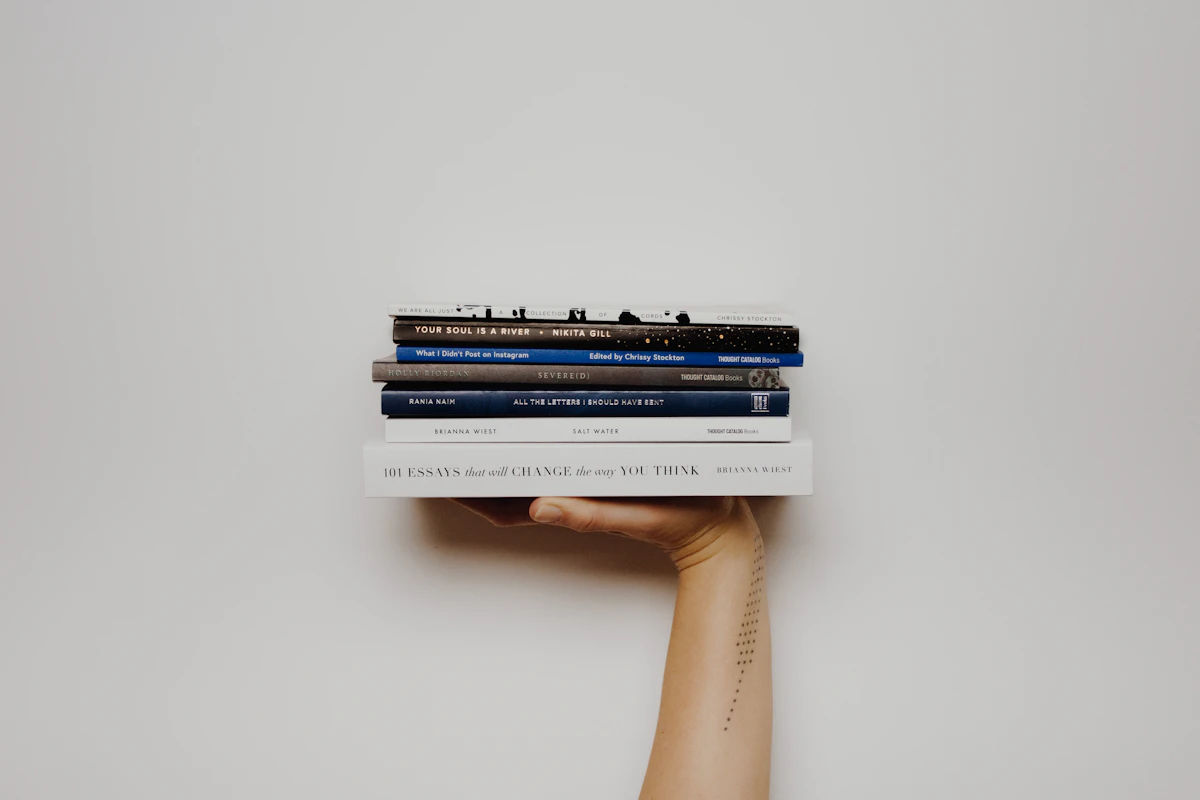
Blocking YouTube is the easy part. The hard part is what comes next.
When you remove YouTube from a habitual moment, you create a gap. If that gap stays empty, you'll fill it with something else - Instagram, Reddit, another app. The block fails because it just redirects the reflex, not replaces it.
The best approach isn't blocking alone. It's blocking plus replacing. When the PageLock barrier appears and you're tired and don't want to start a reading session, you don't fight the impulse - you redirect it. The gap gets filled with reading, not just blocked.
YouTube stays blocked not because you have more willpower, but because the thing you do instead of watching it is actually better. Curious how much your YouTube habit is costing over a lifetime? The scrolling cost calculator puts a concrete number on it.
And if you struggle with boredom as a trigger, here's why boredom without your phone is actually good for you - and how it connects to why YouTube feels so hard to resist.
Frequently Asked Questions
Can you permanently block YouTube on iPhone?
Not with built-in tools alone. iOS Screen Time allows you to set app limits or block YouTube entirely, but any user with the passcode can override it in seconds. The most effective approach is to set a Screen Time passcode and give it to someone you trust, then layer a redirect-based blocker like PageLock on top. This combination makes YouTube accessible only after completing a reading task, which is close to a permanent block in practice because the friction is high enough to break the impulse loop.
Why can't I stop watching YouTube?
YouTube's recommendation algorithm is engineered to maximize watch time. It uses your viewing history, engagement patterns, and real-time behavioral signals to serve videos that are precisely calibrated to keep you watching. Autoplay removes the natural stopping point between videos, and the variable reward structure (not knowing how good the next video will be) triggers the same dopamine response as slot machines. You are not lacking discipline. You are interacting with one of the most advanced attention-capture systems ever built.
What is the best YouTube blocker?
The best YouTube blocker is one that redirects the impulse rather than simply denying access. Denial-based blockers (like Screen Time limits without a trusted passcode holder) are easy to override in a weak moment. Redirect-based tools like PageLock work differently. When you try to open YouTube, you are prompted to verify a physical book page or start a reading session first. This replaces the habitual action with a productive one, which is more sustainable than willpower alone.
PageLock is available on the App Store. Start reading today and be more present.

Ibo Ozcan
Founder of PageLock
Ibo Ozcan is the founder of PageLock, an iOS app that replaces doomscrolling with reading. He researches digital wellbeing, phone addiction, and habit formation to build tools that help people use technology more intentionally.


